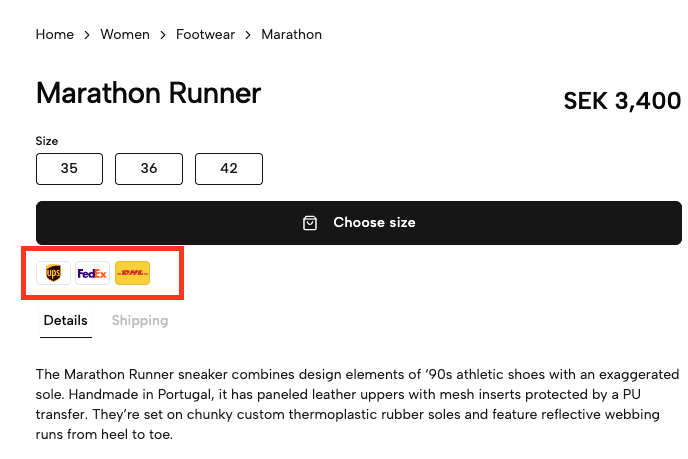
The Delivery Method Display element shows your available shipping carriers to your customers. The list is collected from your recent shipping sessions.
KSA required
Delivery Method Display requires Kustom Shipping Assistant (KSA) to be configured on your Merchant ID.
Only shipping carriers that have been selected by your customers will be included in the list.
Be aware that the list is not real on playground environments so it's easier to test. It will statically show a short list of carriers.
<kustom-delivery-method-display locale="en-SE"></kustom-delivery-method-display>locale- The market to show delivery methods for. Always use 5 character locales. The first part will be used as the language and second part will be used as the country you want to show delivery methods for. See supported locales for the full list.include- Comma-separated list of carrier identifiers to add to the list, even if they are not returned by the API for your account. Identifiers already present in the list are ignored. See Supported methods for the full list.exclude- Comma-separated list of carrier identifiers to hide from the list. Exclusions are applied before inclusions, so a value in both attributes will be hidden. See Supported methods for the full list.
Hide specific carriers returned by the API:
<kustom-delivery-method-display
  locale="en-SE"
  exclude="postnord,dhl"
></kustom-delivery-method-display>
Force-add carriers that are not yet enabled on your account (useful when previewing in Playground):
<kustom-delivery-method-display
  locale="en-SE"
  include="budbee,instabox"
></kustom-delivery-method-display>